
The traditional approach to coding—where developers manually write every line, debug laboriously, and repeat boilerplate code across projects—belongs to the past. In 2025, the development community has embraced best coding ai solutions as essential tools, much like version control or integrated development environments.
The statistics are compelling. Teams using ai tools for developers report up to 30% reduction in time spent on routine tasks, faster iteration cycles, and improved overall code quality. Beyond speed improvements, coding ai assistants help developers maintain focus on creative problem-solving and architectural decisions rather than getting bogged down in syntactical details.
For freelancers managing multiple client projects, startup founders racing to market, or enterprise teams coordinating across distributed teams, ai code assistant technologies have become force multipliers. The return on investment is immediate—reduced development costs, faster feature delivery, and higher-quality codebases.
What Are AI Tools for Coding? Understanding the Technology
Before evaluating specific best ai tools for coding solutions, understanding the underlying technology clarifies what these tools can and cannot do.
An ai tools for coding system is fundamentally different from traditional autocomplete features found in basic text editors. These advanced solutions leverage large language models trained on billions of lines of public code, private repositories, and documentation. When you begin typing, the system analyzes your current context—imported libraries, function signatures, comments describing intent, and surrounding code patterns—to generate meaningful suggestions.
Modern ai programming assistants operate on multiple levels. At the foundation, they provide single-line completions and multi-line code suggestions that appear as you type. At a higher level, they offer chat-based interfaces where you describe complex tasks in natural language and receive entire functions or architectural solutions.
The best ai for coding tools distinguish themselves through several characteristics:
Context Awareness: Understanding not just the line you’re typing, but the entire function, module, and project structure.
Multi-language Support: Handling diverse programming languages from Python and JavaScript to specialized languages like Rust and Go.
Real-time Learning: Adapting to your coding style, team conventions, and project-specific patterns over time.
IDE Integration: Functioning seamlessly within development environments without interrupting workflow.
Privacy Handling: Varying approaches to data handling—some cloud-based, others running entirely locally.
Understanding these dimensions helps clarify why different ai code assistant tools serve different developer needs.
Benefits of Using the Best AI Tools for Coding
The advantages of implementing ai for coding solutions extend far beyond the obvious time savings. Organizations and individual developers experience tangible benefits across multiple dimensions.
Accelerated Development Cycles: The most immediate benefit—developers write functional code faster. Boilerplate code, repetitive structures, and common patterns are generated automatically, eliminating the manual work that often feels like busywork. This acceleration matters most in early project phases where code generation is heaviest.
Enhanced Code Quality and Security: Quality isn’t just about functionality—it’s about maintainability, security, and adherence to best practices. The top best ai for coding tools are trained on millions of well-maintained repositories, embodying collective knowledge about what constitutes good code. AI suggestions often follow industry best practices, implement proper error handling, and avoid common security pitfalls that developers might overlook.
Reduced Cognitive Load: Writing code involves context-switching between numerous cognitive tasks—remembering syntax, structuring logic, testing edge cases, and maintaining consistency. Ai tools for developers handle syntax and structure automatically, freeing mental resources for the strategic thinking that differentiates great software from adequate software.
Improved Onboarding for Junior Developers: Learning to code traditionally involves significant struggle phases where developers grapple with syntax and basic patterns. Ai programming assistants compress this learning curve. New developers receive immediate feedback, working examples, and explanations of unfamiliar code patterns, accelerating their journey to productivity.
Support for Knowledge Transfer: In teams where developers work across unfamiliar codebases, best coding ai serves as an on-demand expert. Developers can ask questions about complex systems, receive code explanations, and understand legacy code without interrupting colleagues.
Better Test Coverage: Test writing remains tedious for many developers, often leading to inadequate test suites. Specialized ai code assistant tools generate comprehensive test cases covering edge conditions, reducing production defects.
Top 10 Best AI for Coding Tools in 2025
1. GitHub Copilot
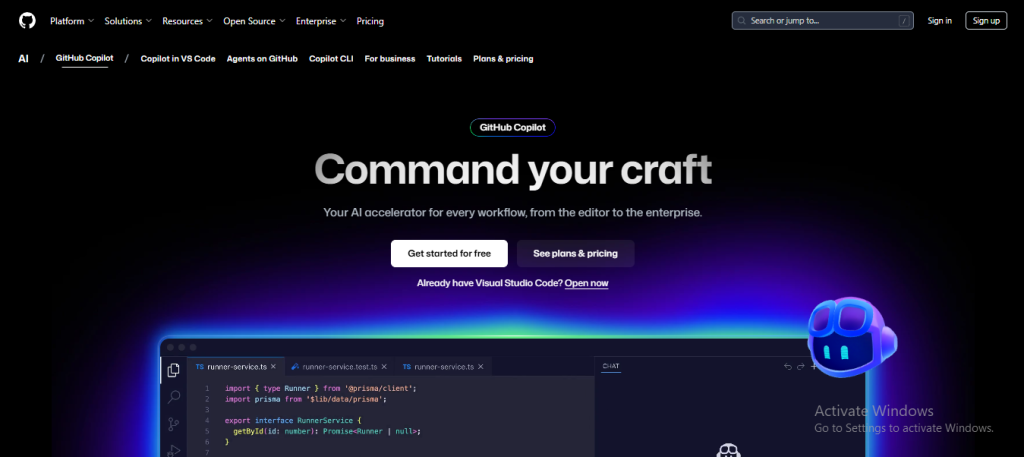
GitHub Copilot represents the most widely adopted best ai for coding solution in the market today. Developed through partnership between GitHub, OpenAI, and Microsoft, Copilot set the standard that other ai tools for coding tools attempt to match.
Core Capabilities: Copilot provides context-aware code completions across all major IDEs—VS Code, JetBrains IntelliJ suite, Visual Studio, and Neovim. The tool generates multi-line suggestions, full functions, and even test cases. The chat interface allows developers to describe complex requirements and receive comprehensive code solutions.
Pricing Structure: GitHub offers tiered pricing to accommodate different user segments. The Free tier provides 2,000 monthly completions with access to Claude 3.5 Sonnet and GPT-4.1. The Pro tier ($10/month) unlocks unlimited completions, 300 premium requests monthly, and priority response times. For teams requiring organizational controls, Business tier ($19/user/month) adds centralized management, SSO authentication, and usage analytics.
Unique Advantages: GitHub Copilot benefits from integration with GitHub’s ecosystem. Since the tool has access to repository context, it understands your project structure at a deeper level than isolated ai programming tools. The PR review features and Copilot Chat integration make it particularly valuable for collaborative development.
Best For: Developers and teams already invested in the GitHub ecosystem, organizations prioritizing widespread IDE support, and professionals working across diverse programming languages.
2. Tabnine
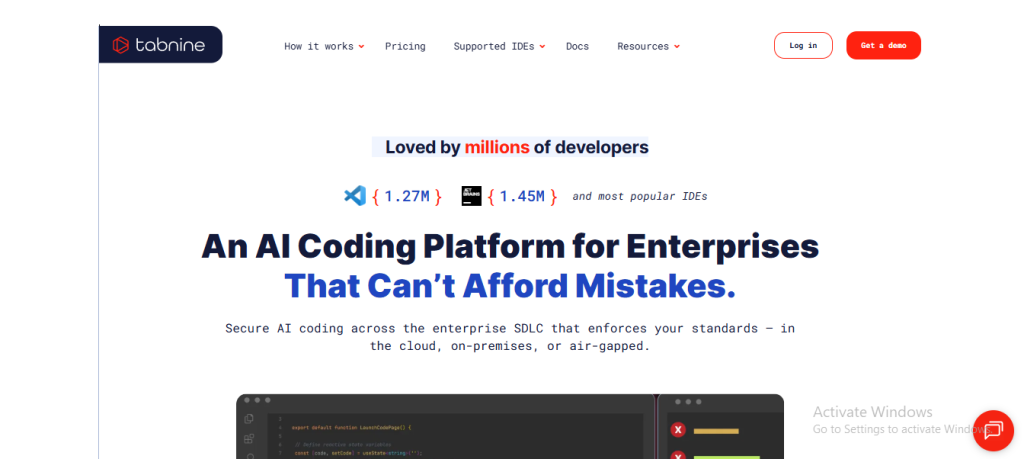
Tabnine represents the privacy-conscious approach to best ai for coding solutions. Unlike cloud-centric competitors, Tabnine emphasizes data protection and supports both cloud and local deployment models.
Core Capabilities: Tabnine excels at predictive code completion, analyzing your team’s existing codebase and generating suggestions aligned with internal coding standards. The integrated chat assistant understands code context and answers developer questions without requiring external tool switching. The tool supports over 20 programming languages and integrates with every major IDE.
Unique Privacy Model: Organizations concerned about proprietary code exposure can deploy Tabnine entirely on-premise. The local version never transmits code beyond your infrastructure while maintaining suggestion quality. This distinction matters significantly for enterprises with strict IP protection requirements.
Performance Metrics: Companies report approximately 30% reduction in time spent on routine coding tasks when adopting Tabnine. The context-aware chat assistance resolves roughly 70% of common developer questions, reducing external searches and context-switching.
Best For: Enterprises with security-first requirements, teams handling proprietary code, organizations preferring on-premise solutions, and developers prioritizing privacy over cloud convenience.
3. Cursor
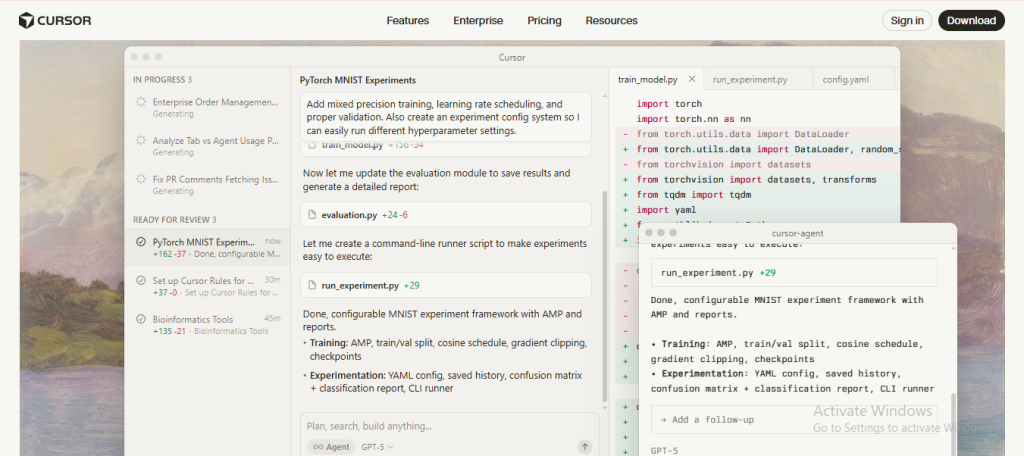
Cursor represents a different category of ai for coding solution—rather than a plugin to existing editors, Cursor is a purpose-built IDE with AI as a core feature rather than an addition.
Architecture and Design: Built on VS Code’s foundation, Cursor provides a familiar environment while fundamentally redesigning the coding experience around AI collaboration. Developers interact with best coding ai capabilities through native commands rather than plugin overlays.
Key Features: Cursor’s strength lies in intelligent multi-line edits, where the tool suggests coherent changes spanning entire functions. The chat interface goes beyond suggestions—developers can highlight code, ask questions, and request refactoring, with changes appearing as visual diffs showing exactly what will change. The “Cmd+K” shortcut for inline chat represents a paradigm shift in how developers interact with AI assistance.
Search and Context: Unlike traditional ai code assistant tools, Cursor can search across your entire codebase, understanding file relationships and dependencies. This deeper context awareness leads to more accurate suggestions and better refactoring recommendations.
Best For: Developers wanting a purpose-built AI-first editor, teams comfortable with VS Code-like workflows, projects requiring deep codebase understanding, and developers valuing multi-line intelligent edits.
4. Amazon Q Developer
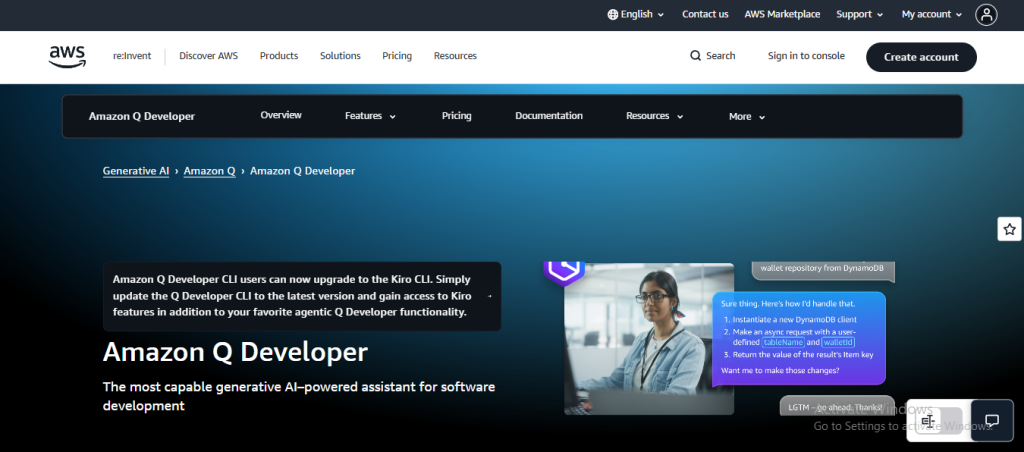
Amazon Q Developer demonstrates how ai programming solutions can integrate deeply with enterprise platforms. As AWS’s AI-powered agent for developers, Q Developer specializes in supporting the entire AWS ecosystem while expanding toward broader DevOps tasks.
Core Positioning: Beyond basic code completion, Amazon Q functions as an autonomous agent capable of implementing features, generating bug fixes, running code reviews, and automating infrastructure tasks. Recent GitHub integration enables Q Developer to automatically implement features, handle code reviews on pull requests, and modernize legacy applications directly through GitHub workflows.
Enterprise Features: Q Developer includes IP indemnity—important for risk-averse organizations—plus audit logs and usage analytics. The tool integrates with major IDEs and AWS services, allowing developers to start tasks in AWS consoles or issue trackers and complete them in their IDE.
Agentic Capabilities: Unlike traditional best ai for coding tools focused on code generation, Amazon Q automates broader development tasks. The system can identify which tasks should be automated based on SDLC patterns, moving beyond developer-initiated requests toward proactive assistance.
Best For: AWS-centric organizations, enterprises requiring agentic automation, development teams using GitHub Enterprise, and organizations requiring compliance features like audit logs and IP indemnity.
5. Replit Ghostwriter
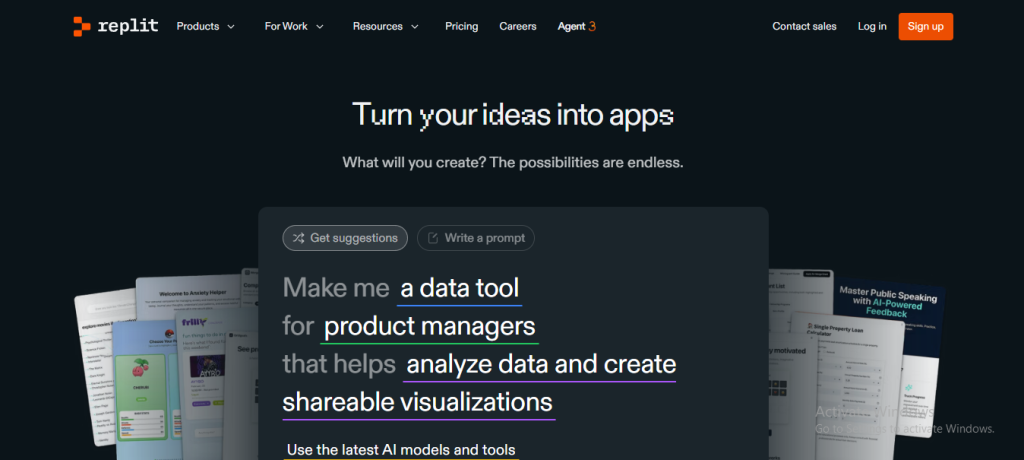
Replit Ghostwriter represents how ai tools for coding integrate with cloud-based development environments. Rather than requiring local setup, developers access a complete browser-based IDE with built-in AI assistance.
Platform Integration: Ghostwriter is embedded into Replit’s collaborative cloud IDE, which supports over 50 programming languages. The integration is seamless—no separate installation or configuration required.
Collaborative Advantages: The browser-based approach eliminates environment setup friction, crucial for educational contexts and rapid prototyping. Developers can invite teammates to collaborate in real-time, seeing each other’s cursors and changes. This makes Ghostwriter particularly valuable for learning and team-based problem-solving.
Code Generation and Learning: Ghostwriter generates code snippets based on context and provides valuable learning feedback. For beginners and students, the immediate code examples combined with explanatory context accelerate learning cycles.
Limitations: Browser-based operation means less suited to developers with complex local development workflows or those working with existing codebases not in Replit.
Best For: Students and educators, teams requiring rapid prototyping without setup friction, collaborative development teams, and developers new to coding who benefit from integrated educational features.
6. Codeium (Windsurf)
Codeium, recently rebranded as Windsurf, represents an aggressive free-tier approach to best ai tools for coding, positioning itself as the primary GitHub Copilot alternative for developers seeking no-cost solutions.
Free-First Philosophy: Windsurf provides unlimited code completions, chat capabilities, and natural language-to-code translation entirely free. This eliminates cost barriers preventing solo developers, students, and early-stage startups from accessing high-quality ai for coding tools.
Technical Capabilities: Supporting over 70 programming languages, Windsurf delivers state-of-the-art suggestion quality comparable to premium competitors. The tool offers autocomplete, chat-based code generation, and natural language refactoring. Developers can write code comments in plain English and have Windsurf generate corresponding implementations.
Enterprise Option: The standalone Windsurf Editor provides an open-source alternative to Cursor, offering access to Cascade (an agentic feature) and other advanced capabilities without vendor lock-in concerns.
Trade-offs: As a free solution, Windsurf may have rate-limiting during peak usage and potentially different training data policies than premium competitors.
Best For: Individuals developers, students, open-source contributors, developers wanting to avoid subscription costs, and those experimenting with ai programming tools before committing financially.
7. Qodo
Qodo (formerly Codium) specializes in an often-neglected aspect of development—comprehensive test generation and code review automation—making it an exceptional ai code assistant for teams prioritizing code quality.
Test Generation Specialization: Rather than general code completion, Qodo focuses specifically on analyzing code and generating meaningful test cases. The tool identifies testable behaviors, generates edge-case tests, creates appropriate mocks, and includes assertions—addressing the gap where developers typically cover only happy-path scenarios.
Behavior-Driven Approach: Qodo understands that test generation requires more than syntax—it requires understanding intent. Developers specify behaviors (“valid input, expired token, invalid payload”), and Qodo expands these into concrete test cases covering edge conditions, negative scenarios, and assertion expectations.
Code Review Integration: Beyond test generation, Qodo provides code review automation integrated into pull request workflows. The tool identifies potential issues, style inconsistencies, and improvement opportunities, functioning as a technical code reviewer.
Enterprise Implementation: Qodo handles dependency inference automatically, detecting external calls and generating appropriate mocks, reducing the manual work that makes test writing tedious in enterprise codebases.
Best For: Teams committed to comprehensive test coverage, development organizations managing large codebases, quality-focused teams requiring automated code review, and projects where test maintenance represents significant time investment.
8. AskCodi
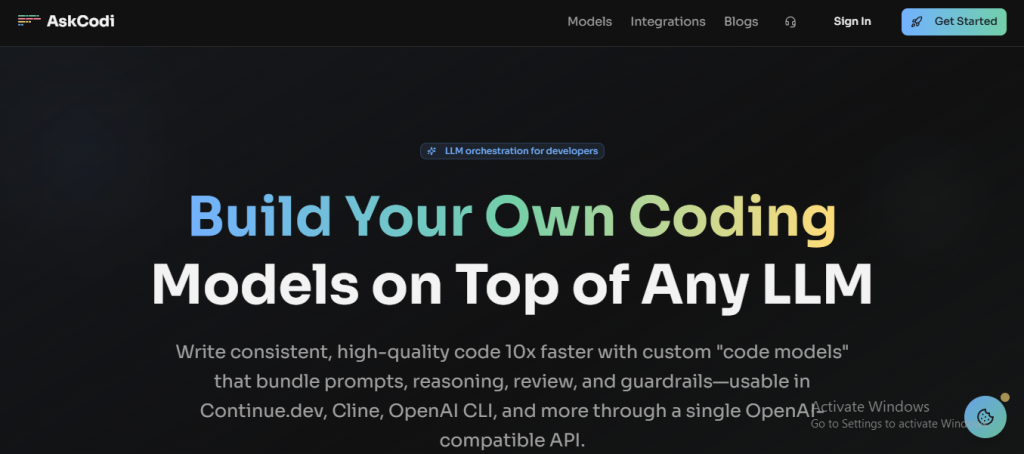
AskCodi represents the conversational AI approach to best ai for coding, providing task-specific tools for code generation, explanation, documentation, and testing across multiple IDE platforms and browser access.
Core Offering: AskCodi functions as a conversational partner for developers. Rather than passive suggestions appearing during typing, AskCodi responds to explicit developer requests—”create a function that calculates factorial,” “explain this algorithm,” “generate tests for this function.”
Task-Specific Tools: The “Codi Apps” system allows developers to select the specific task they’re tackling. Developers need refactoring advice, documentation generation, unit test creation, or code explanation can access specialized tools optimized for each task.
Multi-Platform Access: Available as IDE extensions (VS Code, JetBrains, Sublime Text) and a web interface, AskCodi provides flexibility in how developers access ai programming assistance. The web-based access is particularly valuable for developers using non-traditional development environments.
Support for Multiple Languages: Supporting Python, JavaScript, Java, TypeScript, Rust, Ruby, and Kotlin, AskCodi serves diverse development teams. For teams with polyglot codebases, this language breadth ensures consistent tool access across the technology stack.
Best For: Developers preferring conversational interaction over implicit suggestions, teams with task-specific needs (heavy on documentation or testing), polyglot development teams, and those wanting web-based access to ai tools for developers.
9. Claude Code
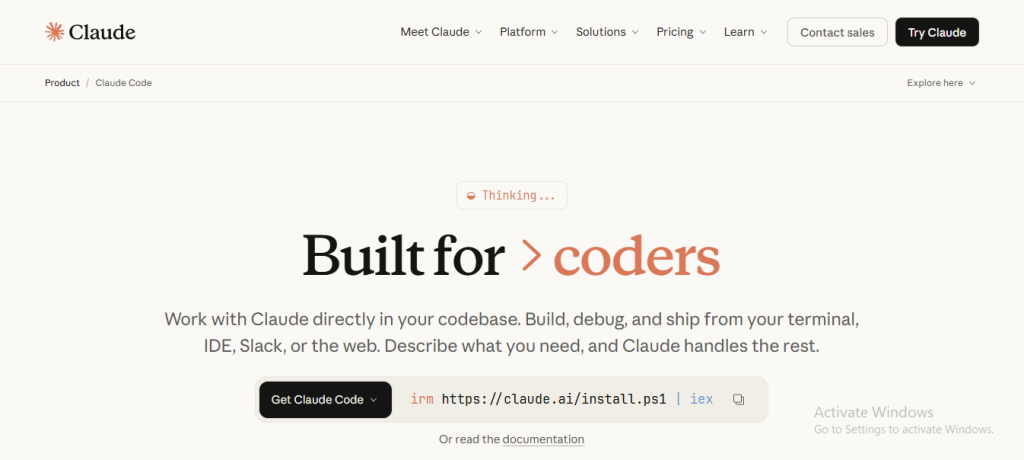
Claude Code, powered by Anthropic’s advanced Claude 3.7 Sonnet model, represents the most capable ai programming solution for tasks requiring deep reasoning and complex problem-solving.
Reasoning-First Architecture: Unlike competitors optimized for fast suggestions, Claude Code emphasizes extended thinking. The model can tackle problems requiring multi-step reasoning, architectural planning, and cross-domain understanding by spending more processing time on problems before responding.
Hybrid Response Capability: Claude 3.7 Sonnet functions as both a traditional LLM for quick responses and a reasoning model for complex tasks. Developers can select whether they want immediate answers or extended thinking, controlling the thinking budget—specifying how many tokens the model uses for reasoning.
Real-World Task Focus: Rather than optimizing for competitive programming benchmarks, Claude Code targets genuine business problems—code reviews, architectural planning, complex refactoring, and cross-language translations. This pragmatic focus makes Claude Code particularly strong for professional development contexts.
Structured Development Support: Claude Code handles complex coding scenarios including requirement clarification, architectural design, implementation, testing, and documentation—supporting the full development lifecycle rather than isolated code generation.
Best For: Developers tackling complex architectural problems, teams handling critical or intricate systems, organizations valuing reasoning over speed, and developers working on multi-step problems requiring comprehensive analysis.
10. Pieces for Developers
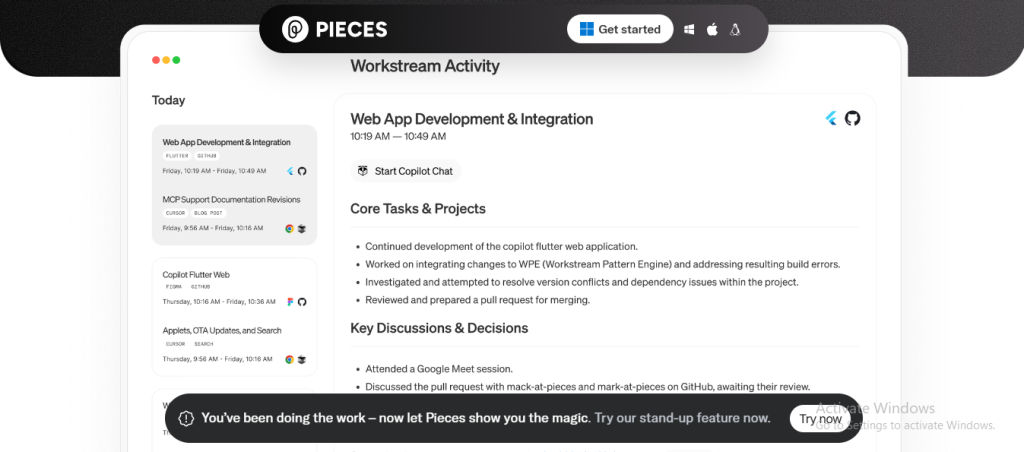
Pieces for Developers addresses a different problem—rather than helping write new code, Pieces revolutionizes how developers manage and retrieve existing code across projects and contexts.
Smart Snippet Management: Pieces functions as an intelligent code repository, automatically categorizing saved code snippets, documentation links, and useful information. The AI recognizes code type, suggests appropriate tags, and formats snippets for reuse without manual organization work.
Workflow Context Engine: The Workstream Pattern Engine remembers the context of your work patterns, allowing seamless switching between projects without losing critical details. This contextual memory is maintained entirely on-device, enhancing privacy while providing real-time support.
Seamless IDE Integration: With over 76,000 VS Code installations, Pieces integrates directly into development environments. Developers save snippets with a single button press, access them through keyword search, and retrieve exactly what they need without switching windows.
Advanced Organization Features: Beyond simple tagging, Pieces extracts code from screenshots using OCR, infers metadata like origin and usage frequency, and enables drag-and-drop saving. The platform supports collaborative snippet sharing, making it valuable for teams building shared code libraries.
Offline Capability: Unlike cloud-dependent best ai for coding tools, Pieces operates offline, critical for developers in environments with connectivity limitations or security restrictions.
Best For: Developers managing code across multiple projects, teams building reusable component libraries, developers requiring offline functionality, teams emphasizing code knowledge management, and those wanting on-device AI for privacy.
Comparison Table: Choosing Your Best AI for Coding
How to Select the Right AI Code Assistant for Your Needs
Selecting the best ai for coding solution requires evaluating several critical dimensions beyond feature lists.
Assess Your Tech Stack: Different ai tools for developers have varying strengths across programming languages. Python and JavaScript receive comprehensive support across all platforms, but specialized languages may have uneven coverage. Evaluate whether your primary and secondary languages receive strong support from your candidate coding ai tools.
Evaluate Security and Privacy Requirements: Organizations handling proprietary code require fundamentally different solutions than those working on open-source projects. Tabnine and Pieces offer on-device processing eliminating cloud data transmission, critical for IP-sensitive work. Conversely, cloud-based tools like Claude Code and Amazon Q offer capabilities impossible in offline mode. Match privacy requirements to tool architecture rather than assuming all best ai for coding solutions have identical data handling.
Consider Integration Friction: The best ai programming tool only delivers value if your team actually uses it. Tools requiring complex setup or awkward workflows face adoption friction. Replit Ghostwriter and Cursor minimize integration friction through inherent platform integration, while others require IDE plugin installation.
Calculate Total Cost of Ownership: While free ai for coding options exist, evaluate the total cost including user licenses, support, and implementation time. A $10/month GitHub Copilot subscription for your entire team may cost less than implementing a free open-source ai code assistant given setup and maintenance overhead.
Prioritize Your Primary Use Case: Different best ai tools for coding excel at different tasks. If test writing consumes significant developer time, Qodo’s specialization delivers outsized value. If team velocity matters most, general-purpose tools like Copilot or Codeium provide breadth. If handling critical systems, Claude Code’s reasoning capabilities justify its premium positioning.
Evaluate IDE Compatibility: An excellent ai tools for coding solution serves no purpose if incompatible with your development environment. Verify not just basic compatibility but feature parity across your IDE of choice.
Assess Learning Curve and Support: Teams transitioning to new best coding ai tools require onboarding. GitHub Copilot and Codeium have extensive community documentation due to adoption breadth. Specialized tools like Qodo may have steeper learning curves but offer targeted value.
The Future of AI Programming: What’s Next?
The ai for coding landscape is evolving rapidly, with clear trends emerging that will shape how developers work in the years ahead.
Autonomous Development Agents: The next evolution moves beyond code completion toward autonomous agents handling entire development tasks. Amazon Q’s recent GitHub integration foreshadows this trend—systems that can implement features, run code reviews, fix bugs, and modernize codebases with minimal human intervention. These agents will identify tasks requiring automation rather than waiting for developer requests.
Multimodal AI Programming: Future best ai tools for coding will move beyond text-based interactions. Integration of screenshot understanding, visual diagram interpretation, and design-to-code capabilities will expand how developers communicate requirements to AI systems. Claude Code’s image support provides an early example of this multimodal direction.
Personalized Code Recommendation: As ai programming systems accumulate more context about individual developer patterns, team conventions, and project-specific standards, suggestions will become increasingly personalized. Rather than generic best-practices recommendations, systems will understand your specific team’s coding philosophy.
Enterprise-Grade AI Integration: Development organizations are moving from isolated best ai for coding tools toward comprehensive SDLC integration. Integration with issue tracking, CI/CD pipelines, code review workflows, and documentation systems will make ai tools for developers genuine multipliers rather than isolated helpers.
Hybrid Local-Cloud Models: Privacy and performance requirements will drive increased adoption of hybrid models where sensitive code remains local while leveraging cloud resources for specialized tasks. This balances privacy concerns against the capabilities that cloud-based reasoning enables.
Specification-Driven Development: As best coding ai capabilities mature, development practices may shift toward specification-heavy approaches where developers describe requirements in natural language and AI generates implementations, with humans reviewing rather than writing code.
Conclusion
The transformation of software development through ai for coding tools represents not disruption but evolution—developers gain superpowers for handling routine tasks while focusing human creativity on problems requiring strategic thinking.
Choosing your ideal best ai for coding solution requires honest assessment of your specific context—security requirements, tech stack, team preferences, and primary use cases. GitHub Copilot’s dominance speaks to its broad applicability, but Tabnine’s privacy guarantees, Cursor’s editing paradigm, Qodo’s testing focus, and Pieces’ knowledge management each address distinct developer needs.
The best coding ai for your situation may not be the most popular solution—it’s the one aligning with your specific workflow, providing integration without friction, and delivering measurable value to your team. The good news: viable options exist across every budget, security requirement, and programming discipline.
The future of ai programming belongs to developers who thoughtfully adopt these tools, understanding their strengths and limitations. Those who view ai tools for developers as collaboration partners—amplifying human capability rather than replacing human judgment—will derive maximum value. The tools are here. The competitive advantage goes to those who master them effectively.
FAQ
Q1. What exactly is an AI code assistant and how does it work?
An ai code assistant uses large language models trained on billions of lines of code to understand programming context and generate relevant suggestions. When you type, the system analyzes your imported libraries, function signatures, comments, and surrounding code patterns to predict what you’re trying to accomplish. Modern best ai for coding tools operate at multiple levels—from single-line completions appearing as you type to full chat interfaces where you describe complex requirements and receive comprehensive solutions. The underlying technology remains probabilistic rather than deterministic, meaning suggestions should always be reviewed rather than blindly accepted.
Q2. Which is the best AI for coding in 2025?
The best ai for coding depends entirely on your specific needs. GitHub Copilot leads for general-purpose ai programming with broadest IDE support. Tabnine excels for privacy-conscious enterprises needing on-premise deployment. Cursor offers the most integrated experience as a purpose-built IDE. Claude Code delivers for complex problems requiring deep reasoning. Qodo specializes in test generation. Rather than a universal “best,” evaluate candidates against your tech stack, security requirements, integration preferences, and primary use cases.
Q3. Are there free options for AI tools for coding?
Excellent free options exist. Codeium (Windsurf) provides unlimited completions, chat, and code generation completely free. GitHub Copilot Free offers 2,000 monthly completions at no cost. Replit Ghostwriter’s free tier includes AI assistance on the Replit platform. Many tools like Qodo and AskCodi offer freemium models with basic features free and premium capabilities paid. The free-tier landscape is robust, allowing developers to experiment with best ai for coding solutions without financial commitment.
Q4. Can AI coding assistants replace human programmers?
No. Ai programming tools are fundamentally collaborative rather than replacement technologies. These best coding ai solutions excel at routine tasks, generating boilerplate code, and suggesting optimizations—work that feels tedious to humans. However, they lack the strategic thinking required for architecture design, the creative problem-solving distinguishing great systems from adequate ones, and the judgment needed for complex trade-off decisions. The future of ai for coding involves developers and AI working as complementary partners, not replacement scenarios.
Q5. How accurate are AI tools for coding?
Modern best ai for coding tools achieve 30-55% acceptance rates on suggestions, with accuracy increasing when prompts are clear and context is rich. GitHub Copilot users report up to 55% faster coding velocity. However, accuracy varies by programming language, code complexity, and specificity of context provided. Python and JavaScript receive more robust support than specialized languages. All ai code assistant suggestions require review before deployment—hallucinations (generating non-functional code), subtle logical errors, and security vulnerabilities can occur. The tool amplifies developer productivity when treated as intelligent co-worker rather than source of truth.