
The modern work environment moves at lightning speed. Whether you run a fast-growing startup, operate as a busy freelancer, or manage projects in a large enterprise, efficiency is what separates market leaders from the competition.
In today’s digital era, trying to handle everything manually is a recipe for burnout. The right stack of cloud-based applications can streamline your operations, save your team countless hours, and dramatically reduce daily operational stress.
In this comprehensive guide, we break down 15 outstanding online productivity tools that will transform how you manage your time, coordinate with your team, and execute complex projects this year.
List of Great Online Tools 2026
1. Notion – The All-in-One Digital Workspace
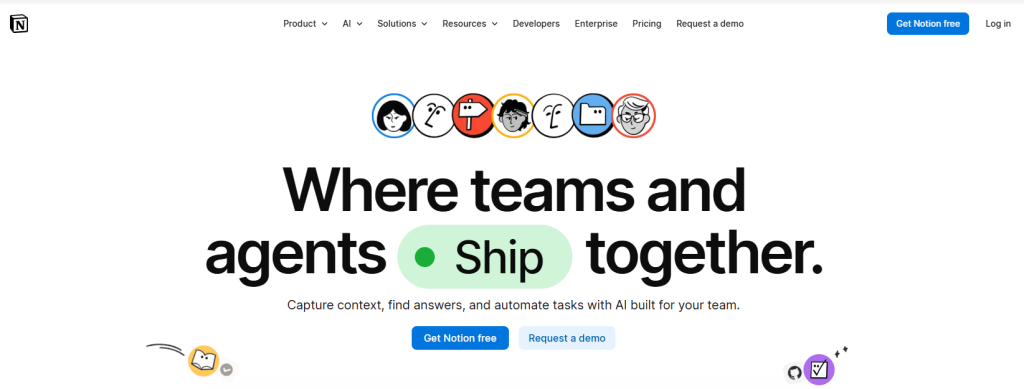
Notion remains a powerhouse in the digital workspace market. It seamlessly brings notes, document collaboration, custom wikis, and relational databases into a single, beautifully organized interface.
- Key Features: Highly customizable relational databases, built-in AI writing assistants, drag-and-drop kanban views, and hundreds of ready-to-use community templates.
- Pricing Start: Free basic plan; Plus plan starts at $8 to $10/user/month (billed annually).
- Our Hands-on Take: Notion’s true strength lies in its infinite modularity. Instead of forcing you into a preset structure, it lets you build a personalized knowledge management system tailored precisely to your business requirements.
2. Asana – High-Tier Enterprise Project Management
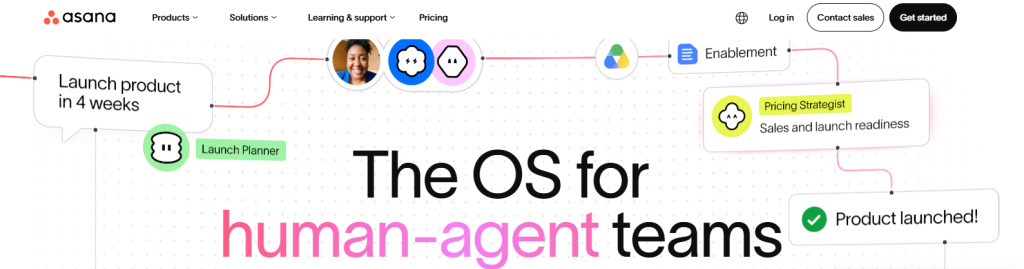
When you are coordinating cross-functional remote teams and massive, long-term corporate projects, Asana is a stellar choice to prevent tasks from slipping through the cracks.
- Key Features: Multi-step visual task dependencies, comprehensive Gantt charts, real-time workload tracking, and advanced goal alignment panels (OKRs).
- Pricing Start: Free Personal tier; Starter plan begins at $10.99/user/month.
- Our Hands-on Take: Asana excel at managing large-scale operations. Its advanced portfolio view makes it incredibly straightforward for executives to track high-level company progress without drowning in micro-details.
3. Trello – The Ultimate Visual Kanban Framework
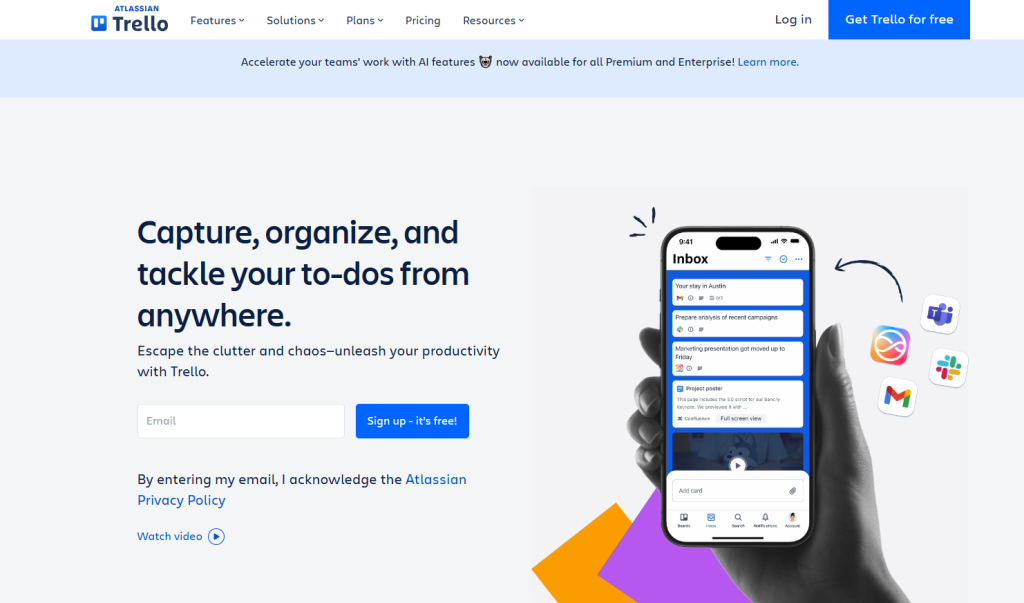
If heavy enterprise project management software feels too complicated for your needs, Trello offers a refreshingly straightforward, highly visual approach to everyday task tracking.
- Key Features: Classic card-based drag-and-drop interface, automated board actions via “Butler,” custom checklists, and simple over-the-card file attachments.
- Pricing Start: Free standard plan; Standard tier opens at $5/user/month.
- Our Hands-on Take: Trello’s lack of a steep learning curve makes it perfect for fast onboarding. You can lay out a basic “To-Do,” “In-Progress,” and “Completed” editorial or project pipeline in less than five minutes.
4. Slack – The Communications Engine for Distributed Teams
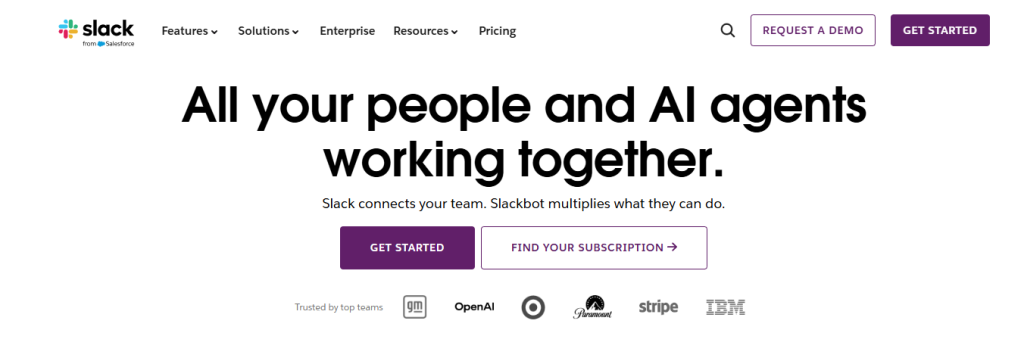
Internal email loops are incredibly inefficient. Slack transforms team communications by moving conversations out of siloed inboxes and into organized, accessible public and private channels.
- Key Features: Structured text channels, instant “Huddles” for audio/video calling, rich third-party app integrations, and deep workspace search logic.
- Pricing Start: Free tier with limited message history; Pro plan starts at $7.25/user/month.
- Our Hands-on Take: Slack cuts down unnecessary meeting times drastically. By configuring automated notification pings from external platforms straight into your channels, your team stays updated on active builds, sales, or bugs automatically.
5. Google Workspace – The Foundational Office Suite
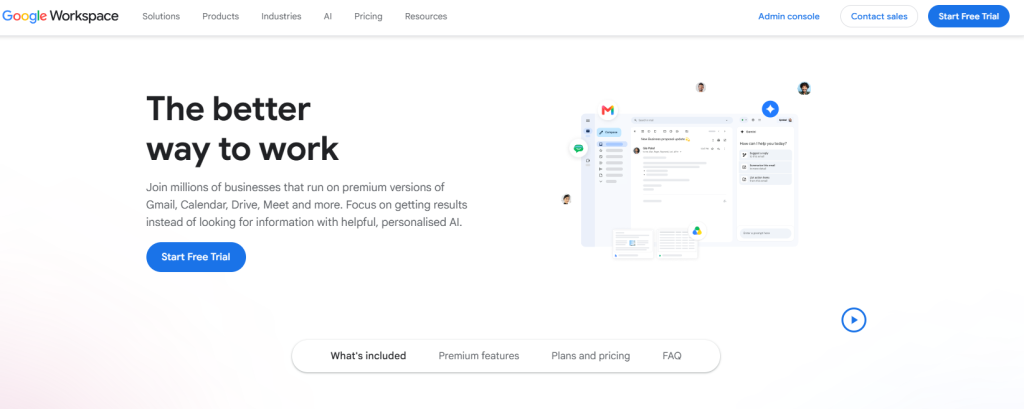
From secure corporate email hosting to real-time cloud document authoring, Google Workspace continues to serve as the structural backbone for businesses across the globe.
- Key Features: Collaborative tools (Docs, Sheets, Slides), secure Google Drive cloud storage, real-time sync, and enterprise-grade security architecture.
- Pricing Start: Business Starter plan starts at $6/user/month.
- Our Hands-on Take: The core strength here is flawless, live co-authoring. Having multiple remote content editors or financial analysts working simultaneously on the exact same sheet without version conflict saves hundreds of lost hours.
6. Monday.com – Highly Flexible Workflow Automation
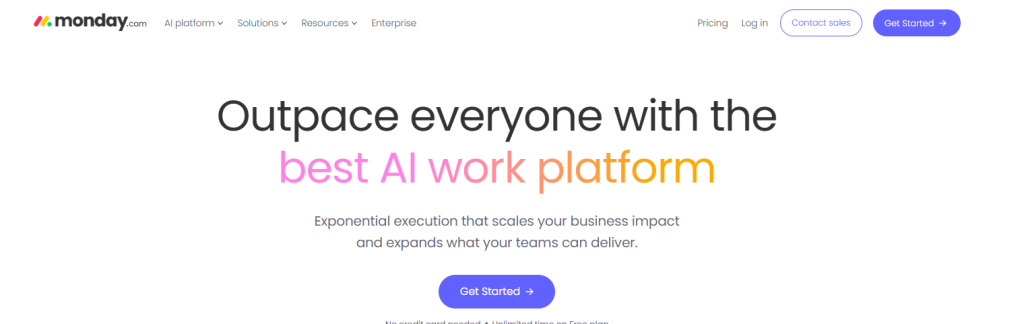
Monday.com is a robust visual operations platform that allows companies to build customized internal tracking applications without needing software development experience.
- Key Features: Visual data tracking dashboards, native code-free automation templates, customizable column parameters, and seamless CRM tools.
- Pricing Start: Basic plan starts at around $9/user/month (with a standard minimum 3-user seat requirement).
- Our Hands-on Take: Monday.com’s automation builder is exceptional. Setting up a basic rule like “When a client status changes to ‘Approved’, automatically assign the task to our lead writer and send an email” saves massive manual admin labor.
7. Todoist – Clean, Powerful Personal Task Management
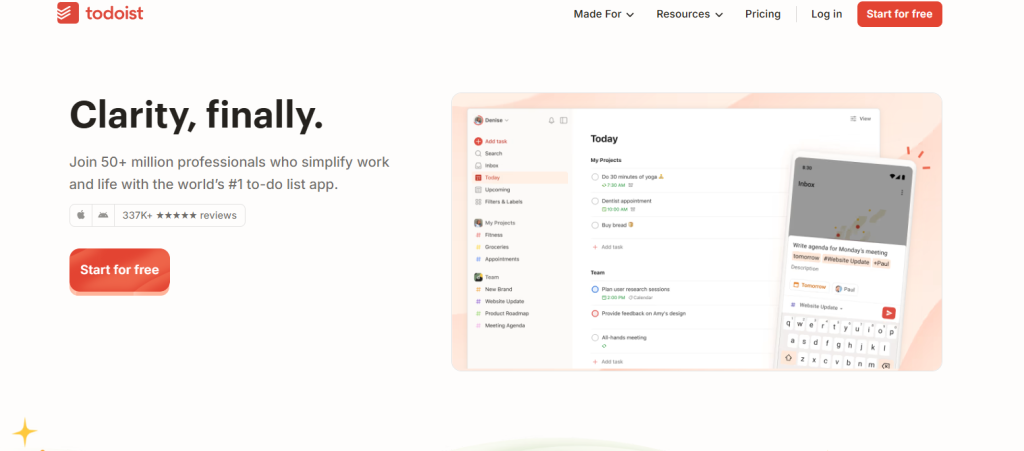
For individual professionals, freelancers, or students looking to master their personal task schedules, Todoist provides an exceptionally clean and efficient tracking ecosystem.
- Key Features: Natural language date parsing (e.g., typing “review SEO brief every Friday at 3 PM”), productivity trend gamification, and task color-coding.
- Pricing Start: Free version; Pro plan is priced at $4/month (billed annually).
- Our Hands-on Take: It is the ultimate digital pocket planner. The natural language input allows you to dump urgent tasks out of your head and into an organized system instantly while moving between active client meetings.
8. ClickUp – The Consolidated Workplace Operating System
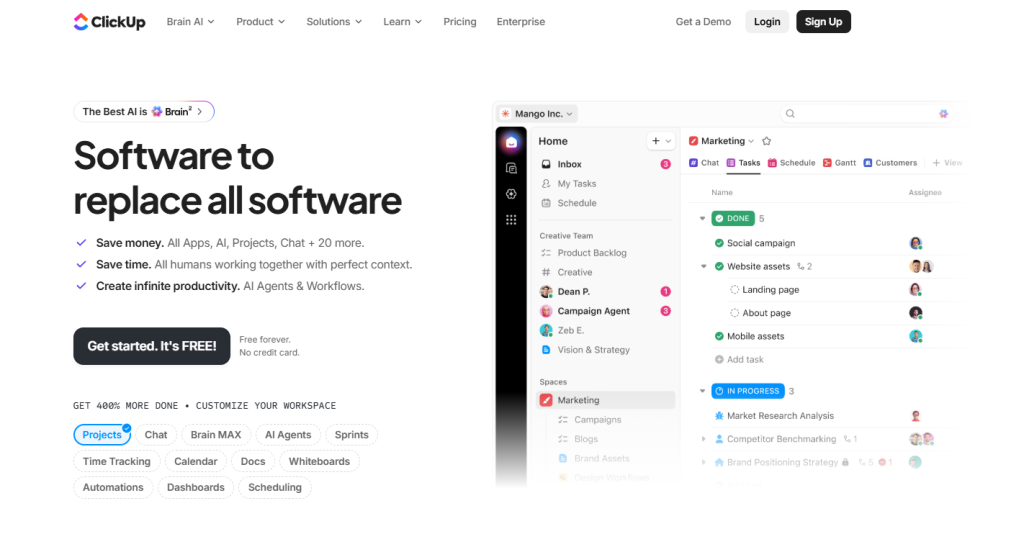
ClickUp positions itself as the single platform designed to replace almost all other fragmented software utilities in your current business stack.
- Key Features: Built-in team time-tracking logs, native collaborative whiteboards, goal metrics pipelines, and cross-platform document linking.
- Pricing Start: Free Forever plan for individuals; Unlimited business plan sits at $7/user/month.
- Our Hands-on Take: ClickUp offers phenomenal economic value. Instead of paying individual subscriptions for a separate tracker, doc tool, and project tracker, you get everything under a unified roof.
9. Evernote – Deep Knowledge Management & Resource Archiving
For writers, researchers, and marketing professionals who consistently ingest large volumes of online information daily, Evernote remains an essential system for knowledge management.
- Key Features: Unrivaled web clipper browser extension, handwritten text recognition inside uploaded images (OCR), and nested notebook management.
- Pricing Start: Free basic tier; Personal plan starts at around $14.99/month.
- Our Hands-on Take: The web clipper extension is a lifesaver for research phases. You can clip out exact research paragraphs, clean screenshots, or complete PDF assets directly into your organized content notebooks for immediate reference later.
10. Zoom – Enterprise-Grade Video Communication
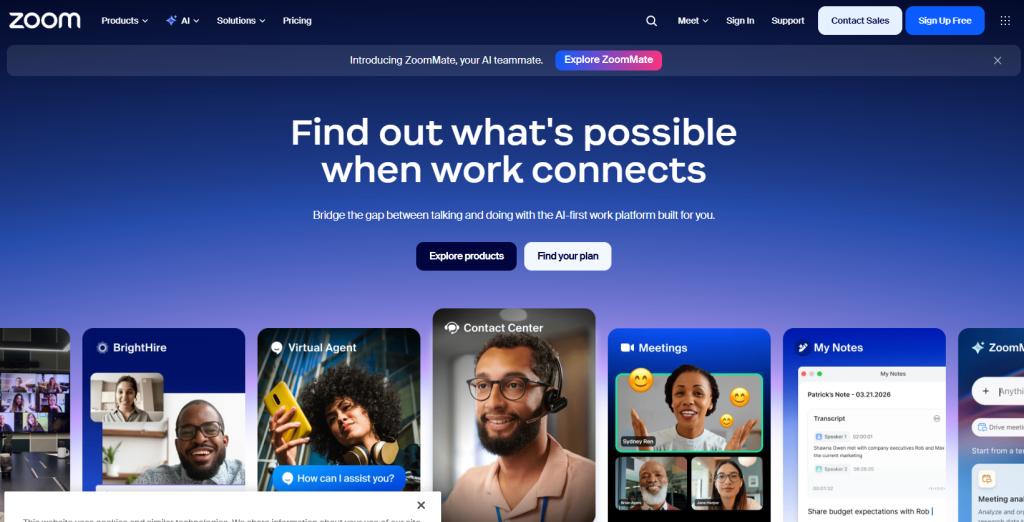
Virtual face-to-face meetings demand high platform stability. Zoom provides highly reliable HD video, clear audio streams, and seamless interactive features for distributed operations.
- Key Features: Crystal-clear group video calling, local and cloud video recording options, custom breakout rooms, and smooth screen-sharing functions.
- Pricing Start: Free basic plan (40-minute group limit); Pro tier starts at $14.99/month per user license.
- Our Hands-on Take: Zoom’s sheer accessibility is why it wins. Clients can enter your project consult call in a single click directly from their browser without needing to download a complex piece of software.
11. Zapier – Code-Free Cross-Application Automation
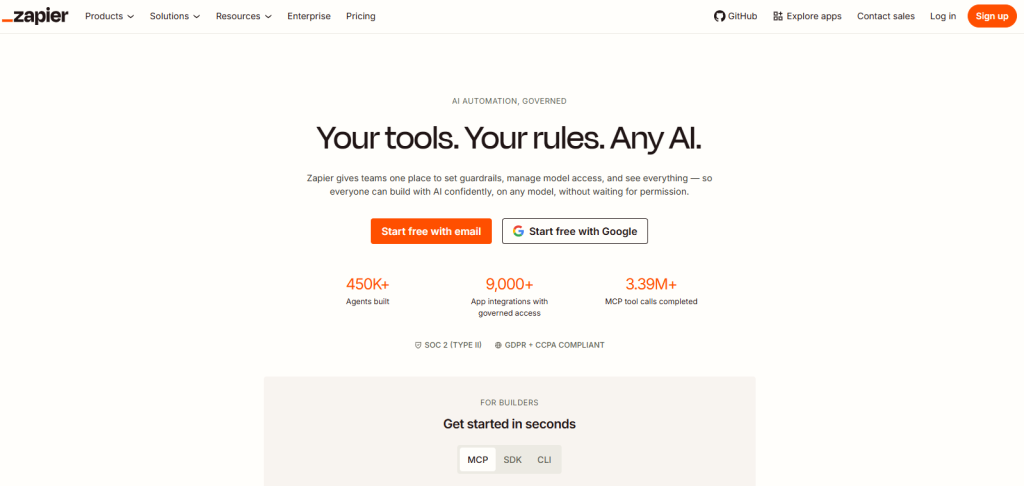
Manually copying and pasting raw consumer data between your different isolated marketing and storage platforms is a massive waste of human potential. Zapier bridges these software silos cleanly.
- Key Features: Multi-step “Zap” builders, out-of-the-box support for over 6,000 distinct applications, conditional logic paths, and automated data formatting filters.
- Pricing Start: Free basic tier (limited to single-step automations); Professional plans begin at $19.99/month.
- Our Hands-on Take: Zapier operates as an invisible, tireless digital employee. Setting up a data pipe that instantly updates a client spreadsheet and pings your Slack team the exact second a user fills out a web form completely reclaims lost daily admin time.
12. Buffer – Streamlined Social Media Scheduling
Consistently publishing brand content across multiple disjointed digital channels can easily eat up your entire working week. Buffer consolidates your distribution workflows into a central dashboard.
- Key Features: Centralized multi-platform publishing queues, direct asset visual planning calendars, and deep target audience performance analytics.
- Pricing Start: Free basic plan for up to 3 social channels; Essentials tier costs $6/month per channel.
- Our Hands-on Take: Buffer is essential for lean marketing teams. You can sit down on a Monday morning, batch-plan your content pipeline, and schedule an entire week’s worth of multi-channel outreach to drop automatically while you focus on deep work.
13. Figma – Collaborative Real-Time Digital Product Design
Figma has revolutionized how design, engineering, and content teams collaborate on building websites, wireframes, and digital product assets.
- Key Features: Real-time multi-user canvas prototyping, vector editing tools, direct feedback commenting engines, and built-in interactive presentation frameworks.
- Pricing Start: Free basic tier; Professional plan sits at $12/editor/month.
- Our Hands-on Take: Figma completely removes the annoying “final_design_v2_updated.png” file mess. Writers, project owners, and UI developers can jump into the exact same file link, drop instant comments, and execute copy revisions live.
14. Loom – Asynchronous Video Messaging for Remote Teams
Not every quick update requires booking an interactive 30-minute group video conference. Loom helps eliminate meeting fatigue by enabling swift asynchronous video communications.
- Key Features: Combined screen and camera capture engine, automated instant cloud video link sharing, and viewer interaction analytics.
- Pricing Start: Free starter plan (5-minute video caps); Business tier is priced at $12.50/user/month.
- Our Hands-on Take: Loom is a massive time-saver for running technical walk-throughs or performing website content audits. Recording a quick 2-minute video overview showing your screen is significantly more accurate and clearer than drafting a massive, multi-paragraph email explanation.
15. Canva – Professional Graphic Design Made Accessible
If you do not have a dedicated professional visual designer on standby, Canva enables anyone to craft striking brand assets using a straightforward drag-and-drop toolkit.
- Key Features: Millions of premium pre-made design layouts, intuitive visual editors, instant image background removal, and direct brand kit management.
- Pricing Start: Free tier; Canva Pro plan starts at $10 to $13/month for a single user.
- Our Hands-on Take: It democratizes standard corporate branding work. Marketing teams can rapidly adapt preset template assets to generate clean blog headers, pitch decks, and social media banners on the fly without running into complex technical design software roadblocks.
Quick Reference: Software Comparison Matrix
| Application | Core Focus Area | Starting Investment | Expected Learning Curve |
| Notion | All-in-one digital workspace & database systems | Free | Moderate |
| Asana | Large-scale enterprise project management | $10.99/user/month | Moderate |
| Trello | Straightforward drag-and-drop task pipelines | Free | Extremely Low |
| Slack | Multi-channel remote team chat networks | Free | Low |
| Google Workspace | Cloud office production suite & hosting | $6/user/month | Extremely Low |
| Monday.com | Visual operational data & workflow logic | $9/user/month | Moderate |
| Todoist | Individual task and calendar organization | Free | Extremely Low |
| ClickUp | Consolidated single platform operating system | Free | Moderate to High |
| Evernote | In-depth web clipping & knowledge storage | Free | Low |
| Zoom | Stable virtual video communications | Free | Extremely Low |
| Zapier | Automated cross-app workflows without code | Free | High |
| Buffer | Automated social media asset queues | Free | Low |
| Figma | Real-time interactive group product design | Free | Moderate to High |
| Loom | Fast asynchronous video messaging | Free | Extremely Low |
| Canva | Accessible visual asset graphic creation | Free | Low |
Crucial Implementation Missteps to Actively Avoid
- Over-complicating Your Software Stack: One of the fastest ways to destroy organizational efficiency is introducing ten different software platforms at once. This creates extreme operational friction. Find two or three core apps that genuinely match your current needs and learn to utilize their features to the absolute maximum.
- Neglecting Native Systems Integration: Never deploy standalone data tools that cannot communicate with the rest of your tech stack. Ensure that your task tracker integrates cleanly into your communications hub (like linking ClickUp to Slack) so data flows automatically.
- Skipping Team Training Cycles: Forcing complex new operational apps onto an active team without structured training leads to immediate team resistance and messy data entry. Dedicate a short block of time to build clear, internal guidelines on exactly how your company uses these tools.
Final Verdict: Choose Your Growth Foundation
Real organizational growth is not achieved by simply buying software subscriptions—it comes down to building a structured routine, staying focused on core objectives, and eliminating manual bottlenecks.
Do not let analysis paralysis hold you back. Pick one single tool from this list today—whether that is centralizing your notes in Notion or automating an annoying manual data task via Zapier—and start your free trial to experience the immediate lift in your daily productivity first-hand.